IPTV Not Loading Channels? Here’s What to Do
Something feels off when your screen just sits there loading, loading, and nothing happens. Many users paying for IPTV with UK channels run into this at the worst time, usually during live sports or prime-time shows. The good news? Most of these issues are fixable without calling support or digging into complicated settings. This blog breaks it down in a simple way. No fluff. Just what works.
Why IPTV Channels Stop Loading
IPTV isn’t like cable. It depends on internet speed, server response, and app performance, all working together. If one part slows down, everything stalls.
Common triggers include weak connections, outdated apps, or overloaded servers. Services offering large libraries like IPTV with 20000 channels in the UK need a stronger infrastructure. When that balance slips, channels fail to load.
Quick Things to Check First
Before trying anything advanced, run through a few basics. It sounds obvious, but this solves more problems than expected.
- Restart your device and IPTV app
- Check if your subscription is still active
- Try switching to another channel
Small resets often fix temporary glitches. No need to overthink it.
Internet Speed Can Make or Break It
Streaming IPTV needs a stable speed, not just high numbers. A connection that jumps up and down causes buffering and loading issues.
HD streams usually need at least 10 Mbps. 4K needs more. Evening hours can slow things down because everyone is online at the same time. Speed tests help here. If numbers drop during peak time, that’s your answer.
Clear Cache or Reinstall the App
Apps collect junk data over time. That clutter slows things down and can block channels from loading.
- Go to device settings
- Find your IPTV app
- Clear cache and data
If the issue stays, reinstall the app; clean installs often fix hidden bugs.
Server Issues Happen More Than You Think

Even strong providers face downtime. Heavy traffic, especially during live sports, can overload servers. Services advertising IPTV service with no buffering in the UK still depend on server capacity. No system is perfect. Check with your provider. Sometimes waiting a few minutes is all it takes.
VPN Can Help in Some Cases
Internet providers sometimes slow down IPTV traffic. This is called throttling. It can cause endless loading even when your speed looks fine.
Using a VPN can bypass this. Choose a fast server near the UK for better results. Not always needed, but useful when nothing else works.
Check Login or Playlist Details
Wrong or expired login details can quietly stop everything. Make sure your M3U link or Stream Codes are correct. Also, check if your subscription has expired. This step gets skipped often, but it’s one of the most common fixes.
Real Issue Behind Buffering
During big events, thousands of users connect at the same time. This creates pressure on servers. That’s why some providers focus on optimizing IPTV with UK channels, especially for sports. They use multiple servers to spread traffic. Without that setup, loading problems are more frequent.
Choosing a Better IPTV Service
Not all IPTV providers are built the same. Some chase big numbers. Others focus on stability.
- Multiple servers for load balance
- Dedicated UK channel support
- Fast customer response
A provider offering IPTV with 20000 channels in the UK should also handle traffic well. Otherwise, more channels just mean more problems.
Small Habits That Prevent Big Issues
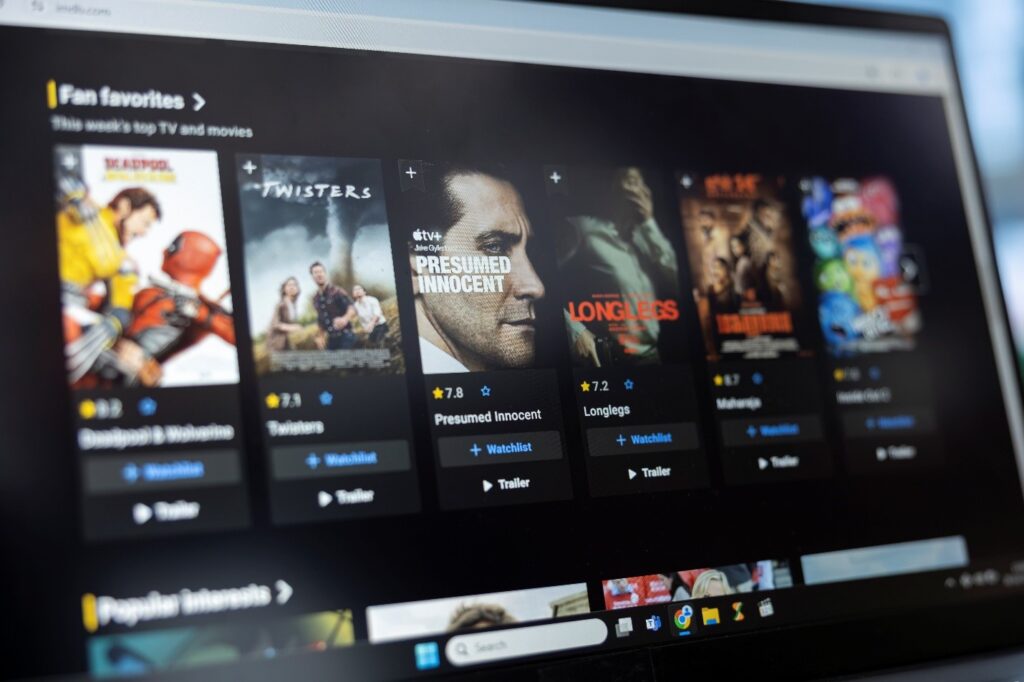
Daily usage matters. A few simple habits can keep your IPTV running smoothly .Keep your app updated. Avoid overloading your device. Restart your system once in a while. Wired internet works better than WIFI when possible. These aren’t complicated fixes, but they make a difference over time.
Conclusion
IPTV not loading channels is frustrating, but most of the time it’s not a serious problem. A few quick checks, a stable connection, and the right setup usually fix it.
Reliable performance comes from both the user side and the provider side. Choosing a service that balances quality and stability makes all the difference. That’s where options like World IPTV Service come into the picture, aiming to deliver smoother and more consistent streaming.
FAQs
1. Why is my IPTV not loading UK channels?
This usually happens due to slow internet, server downtime, or incorrect login details. IPTV with UK channels needs stable servers and a proper setup.
2. Does IPTV with 20000 channels in the UK affect speed?
It can, if the provider doesn’t manage servers properly. More channels require better infrastructure to maintain performance.
3. How to fix buffering in IPTV service with no buffering in the UK?
Check your speed, clear app cache, and try a VPN if needed. Even IPTV services with no buffering in the UK can face issues during peak hours.
4. Is a VPN required for IPTV in the UK?
Not always. It helps when your ISP slows down streaming or blocks certain content.